
Split Keyboards: Ergonomic Layout and Connectivity Options
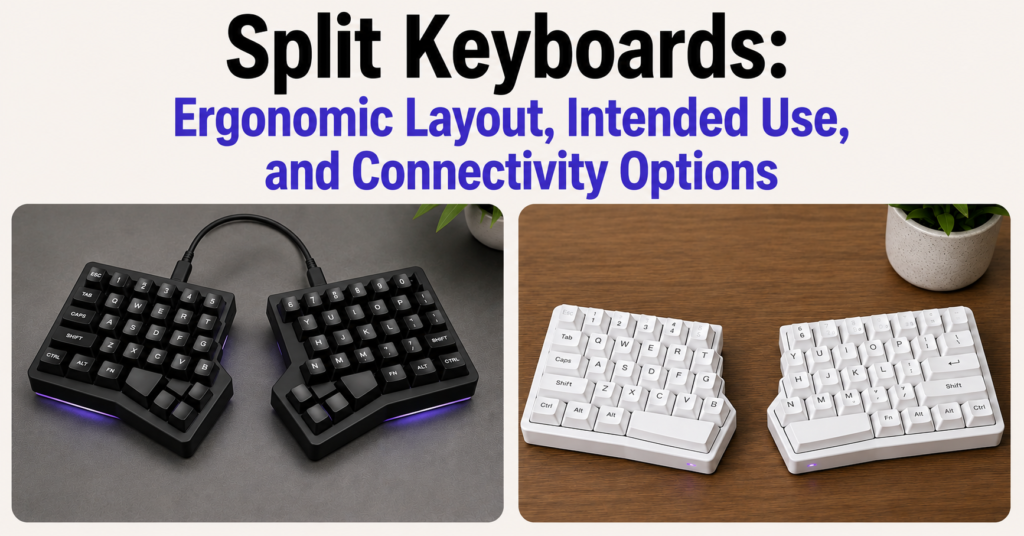
Split Keyboards Guide: Ergonomic Layout, Intended Use, and Connectivity Options Diagnostic & Implementation Guide Split Keyboards Guide: Ergonomic Layout, Intended Use, and Connectivity Options An authoritative analysis of biomechanical decoupling, ulnar neutrality, and columnar efficiency. Split keyboards serve as critical clinical interventions that physically decouple the typing modules to align with the natural resting state […]
Chiclet Keyboards:Slim Layout and Low-Profile Input Keyboard

Chiclet Keyboards: Slim Layout, Low-Profile Input, and Daily Use Optimization & Comparison Guide Chiclet Keyboards: Slim Layout, Low-Profile Input, and Daily Use A clear guide on how scissor-switch stabilization works, where to use chiclet layouts, and why they enhance daily typing speed. A chiclet keyboard is a type of keyboard that features flat, rectangular keys […]
Slim Keyboards: Lightweight Design and Easy Mobility
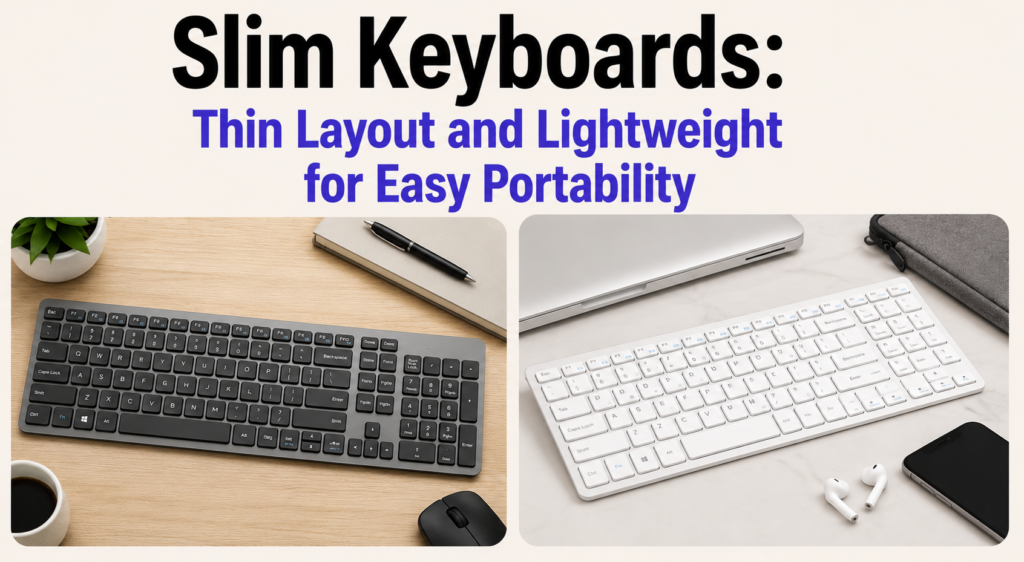
Slim Keyboards: Thin Layout and Lightweight for Easy Portability Foundational Optimization Guide Slim Keyboards: Thin Layout and Lightweight for Easy Portability An authoritative analysis of low-profile switches, travel density, and zero-degree ergonomic neutrality. Slim keyboards utilize low-profile switch technology and hyper-compressed chassis designs to maximize travel portability and maintain neutral wrist ergonomics during high-volume typing. […]
Mini Keyboards: Portable Design for On-the-Go Use
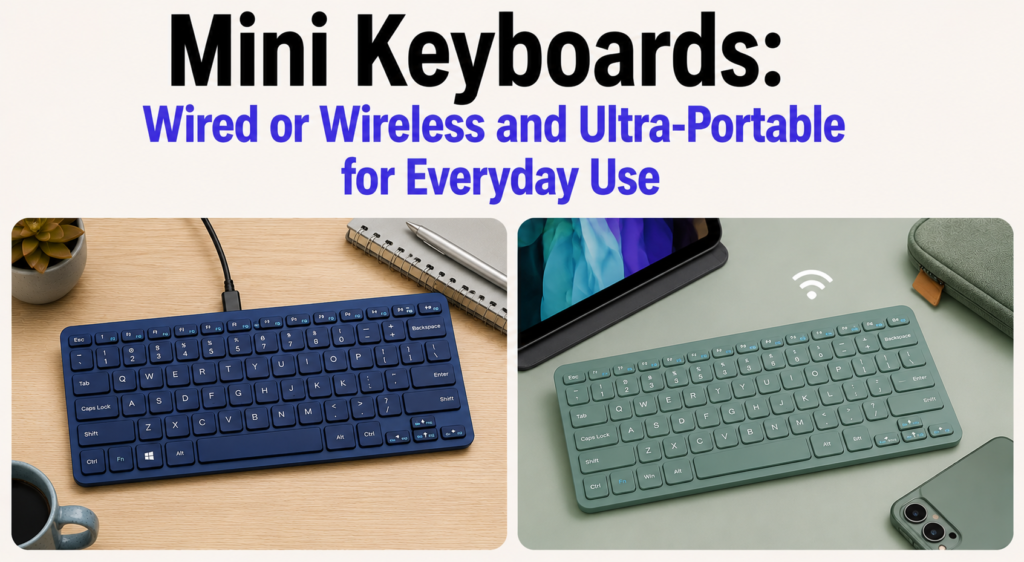
Mini Keyboards: Wired or Wireless and Ultra-Portable for Everyday Use Foundational Optimization Guide Mini Keyboards: Wired or Wireless and Ultra-Portable for Everyday Use Mini keyboards serve as specialized high-density input tools that maximize desk real estate and travel portability by reducing the physical footprint to 60% or less of a traditional layout. For the modern […]
Should You Get a Gaming Keyboard for Competitive Play?
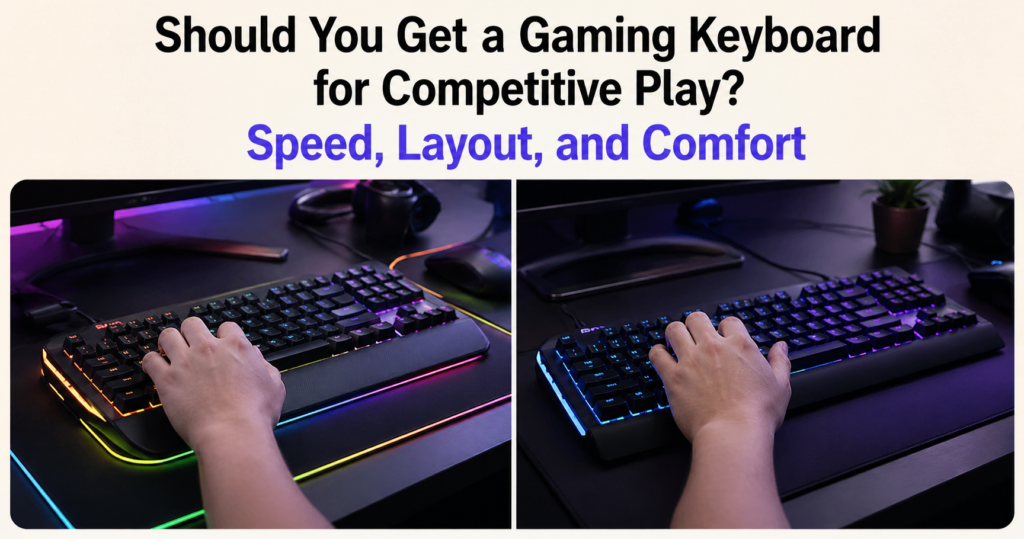
Should You Get a Gaming Keyboard for Competitive Play? Speed, Layout, and Comfort Gaming keyboards function as specialized low-latency interfaces that minimize the interval between physical actuation and in-game execution through advanced PCB scan rates and magnetic switch technology. The definitive difference between an office board and a gaming board is the motion-to-photon pipeline—the sub-millisecond […]